mac · windows · android · iphone
Winamp did. Then everything went flat, grey and identical.
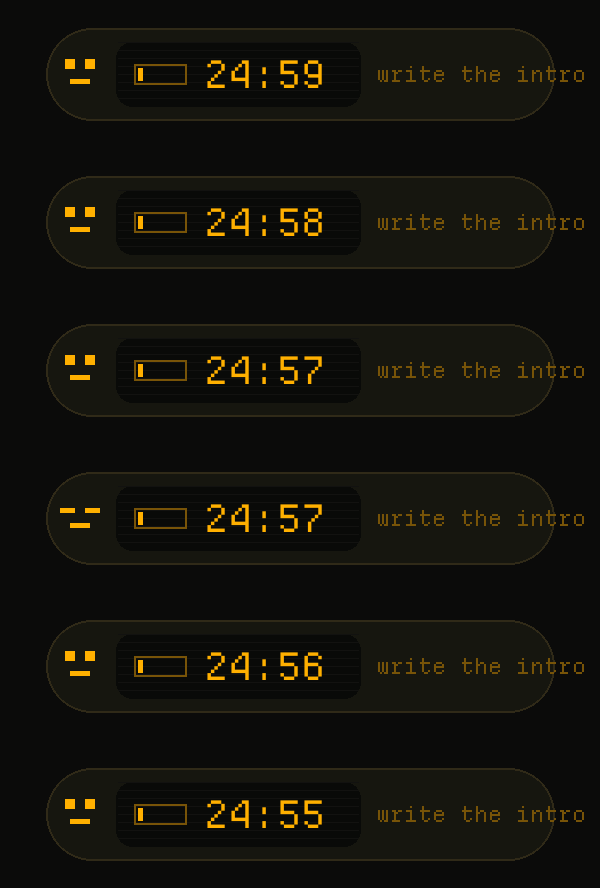
This is a pomodoro timer with a face. It sits over your windows, counts down what you told
it you were doing, and you can re-skin the whole thing with a text file.
It also writes every session to a file your AI can read. Useful, but not why you will
keep it.
There is one running in the corner of this page. Press the cog and use it.
free · open source · macOS, Windows, Android and iPhone · no account, no tracking, nothing leaves your machine
The iPhone build is unsigned, so you re-sign it with your own free Apple ID and it runs seven days at a time. That is Apple's rule, not ours.
it looks how you want
These are real, live, counting. Two ship with the app. The rest are zips : drop one in a folder and it installs itself. No restart.
A theme is a folder with one theme.json in it, zipped. It can carry a
font, sounds and images too.
Do not want to write it yourself ? The skill teaches your AI the whole format. Ask for a Game Boy with a cat that blinks and you get one.
Download the skill Read the format{ "id": "midnight", "title": "midnight",
"tokens": { "ink": "#C8D3F5",
"accent": "#82AAFF",
"shell": "#1B1E2B" } }free and open source
No account. No telemetry. No network code at all.
Your sessions are a JSON file in your own Library folder, and you can delete it whenever
you like.
Built at Jolly Commerce, a CRO agency. Our work is
long blocks : teardowns, test builds, analysis. Nothing kills a block faster than drift.
So we built this for our own team, we use it every day, and we gave it away.
Not signed by Apple yet, so the first open needs a right click, then Open. Once.